


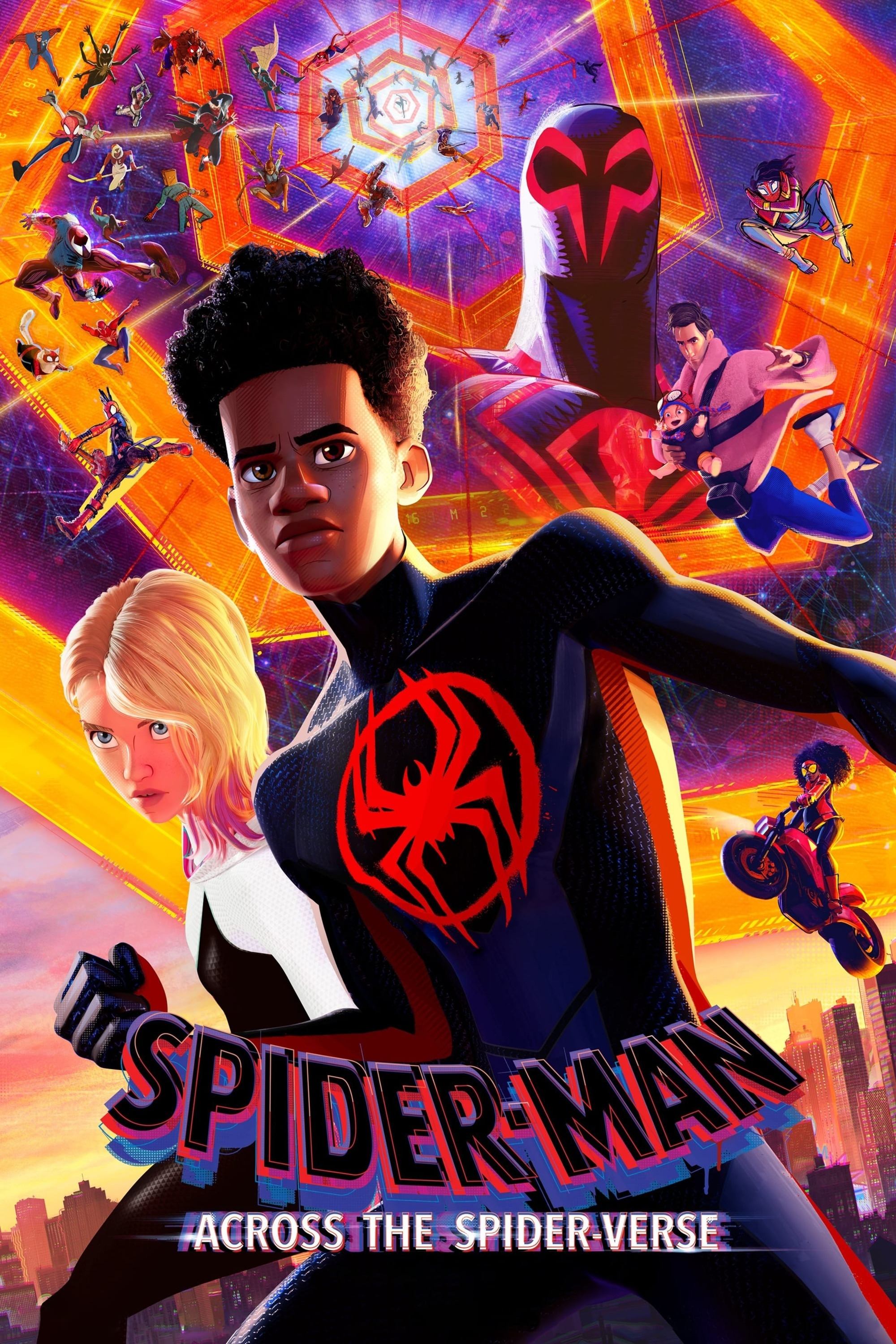























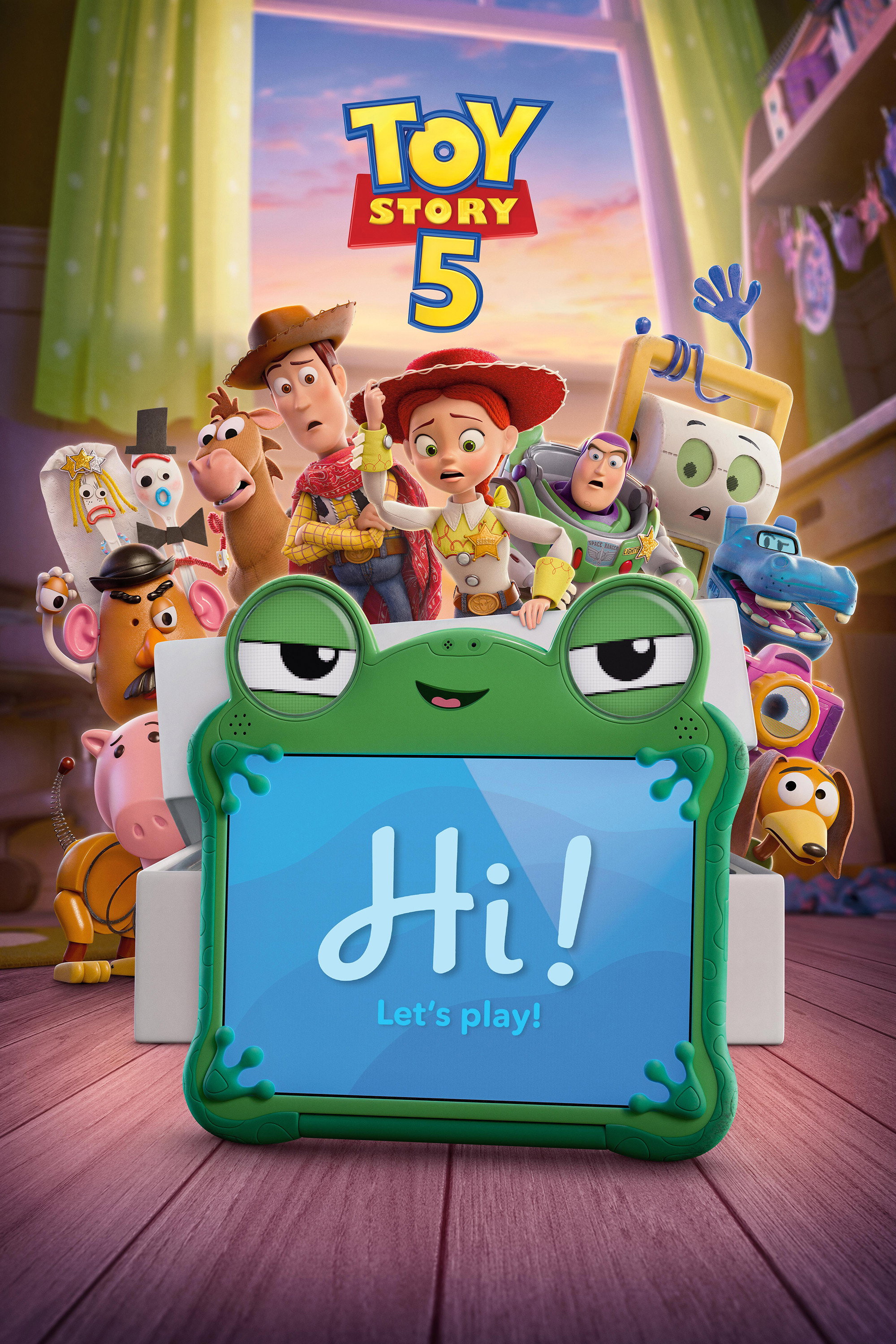







1. Pick & Rotate: Choose a movie on VRFlex and turn on Auto-rotate on your phone.

  2. Go Full Screen: Play the video and tap Full Screen to enter split-screen VR mode.

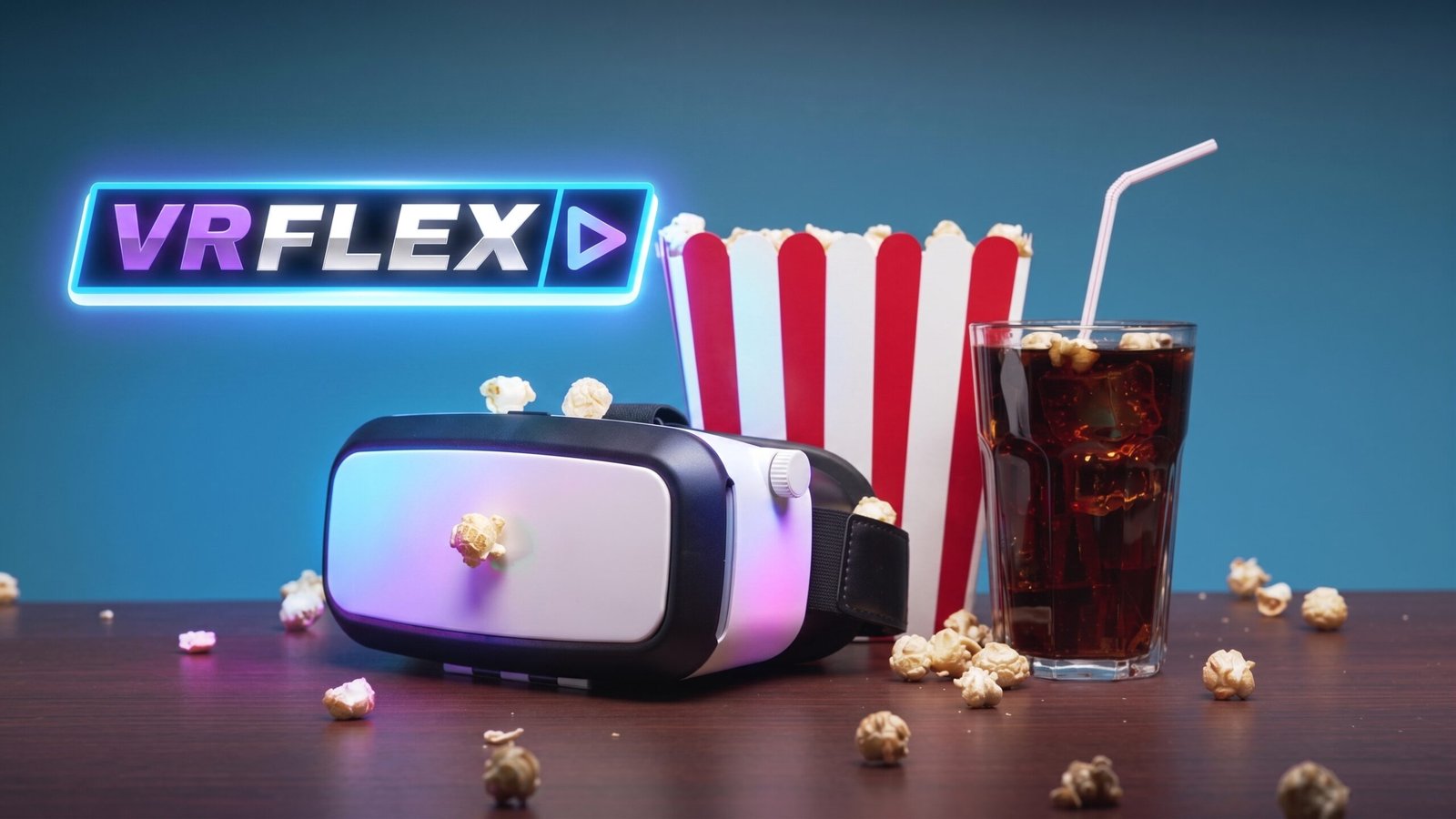
  3. Watch: Slide your phone into your VR headset, center the screen, and put it on.

Tip: You can adjust the screen and focus on your VR  headset using the manual lens sliders and dials located on the top and sides of the device.

Free Movies
Shop
Social Media
Music
Free TV